Splits changelog: Automations and Solana Sends
Updated 15 days ago ⋅ 1 min read
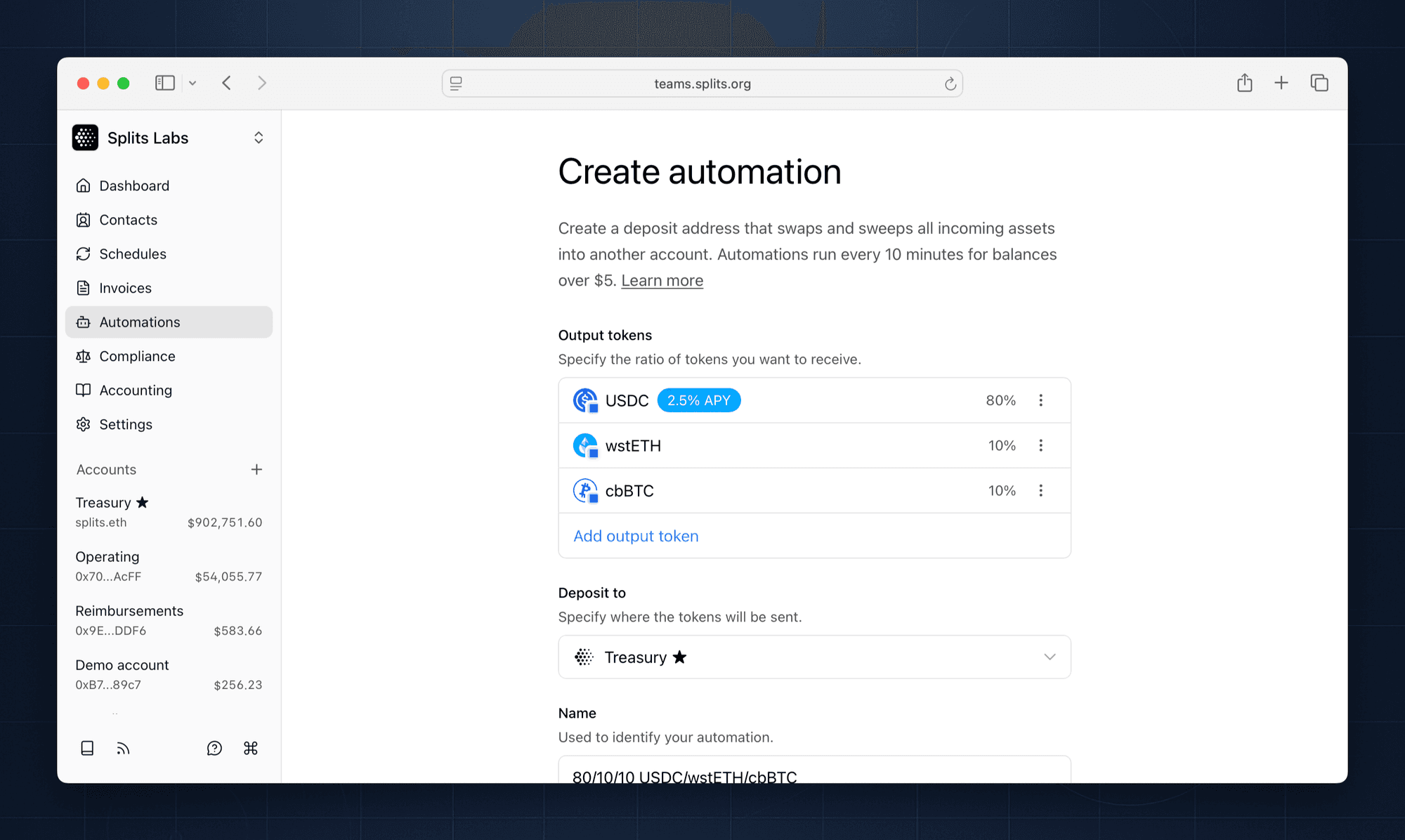
Automations
Automations are deposit addresses that automatically swap and route incoming funds. Send revenue from invoices, protocol fees, etc to an automation, and it will be transformed before reaching your account.
Automations run every 10 minutes for balances over $5. Create as many as you need, for any asset or revenue stream.
Solana sends
Send tokens from your Splits accounts directly to any account on Solana. No need to manually bridge or route funds through a temporary external account.
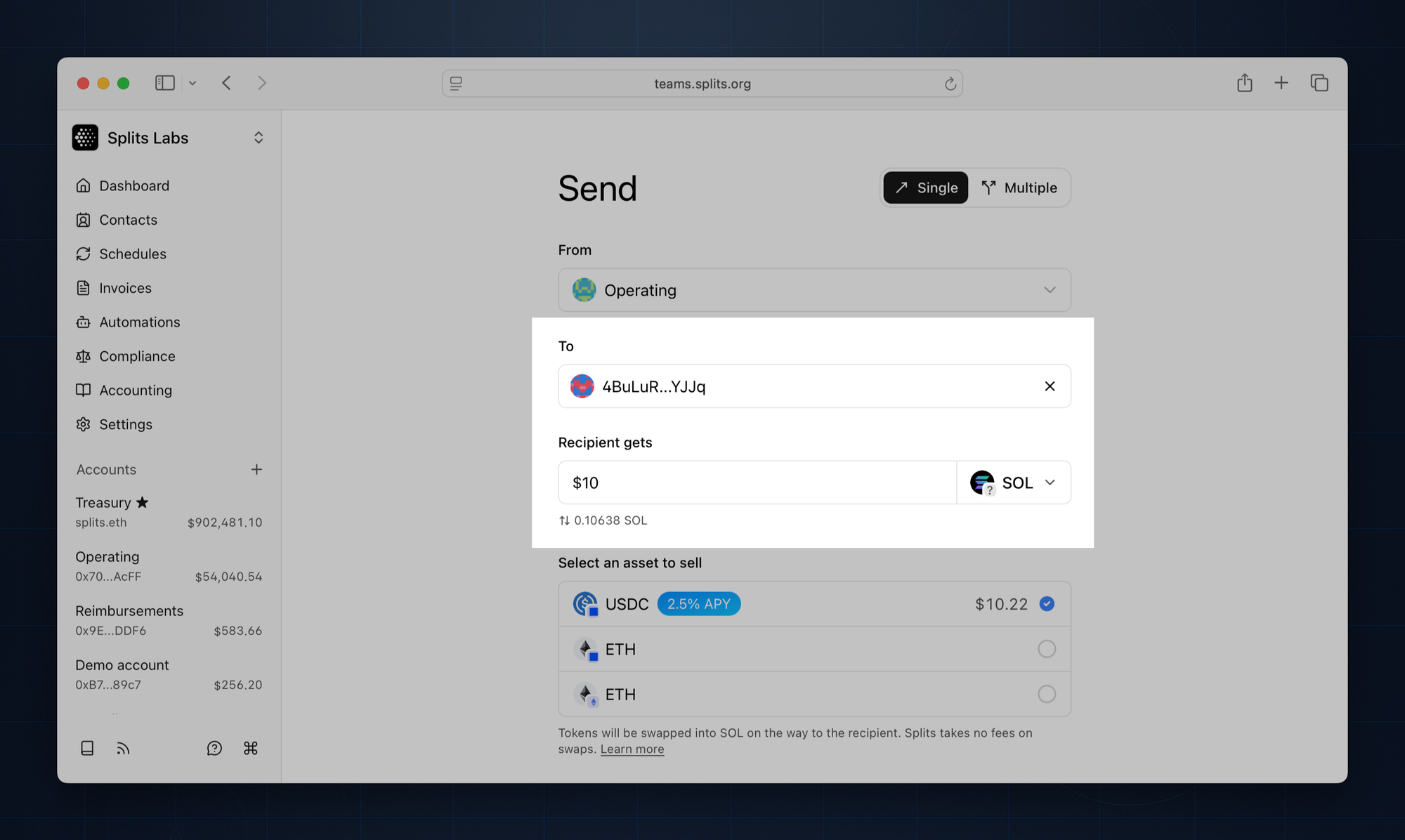
Enter a Solana address in the To field, select Solana as the network, and select a token. You'll then be able to choose which of your existing assets to sell in order to make the transfer.
Other updates
- Auto earn on USDC: earn yield on idle balances automatically via automations (in beta)
- Team owners can optionally require memos on all outgoing transactions. Turn this on in Settings > General
- Added the ability to view and access archived accounts. Turn on in Settings > General, or via the keyboard shortcut:
⌘⇧. - Fixed 19 bugs and 26 stability/polish issues